Silence removal
Ask to cut silent parts and the editor detects quiet sections to remove. You can also trim the beginning or end. Review the result to keep any breathing room or intentional pauses you want.
“Cut the silent parts.”
“English first. Korean just as large.”
Describe the result you want, then refine it with another request.
In development. Not yet available on the App Store.
The current app interface is in Korean. Korean and English voice input options await final on-device validation. AI captions are still being validated.
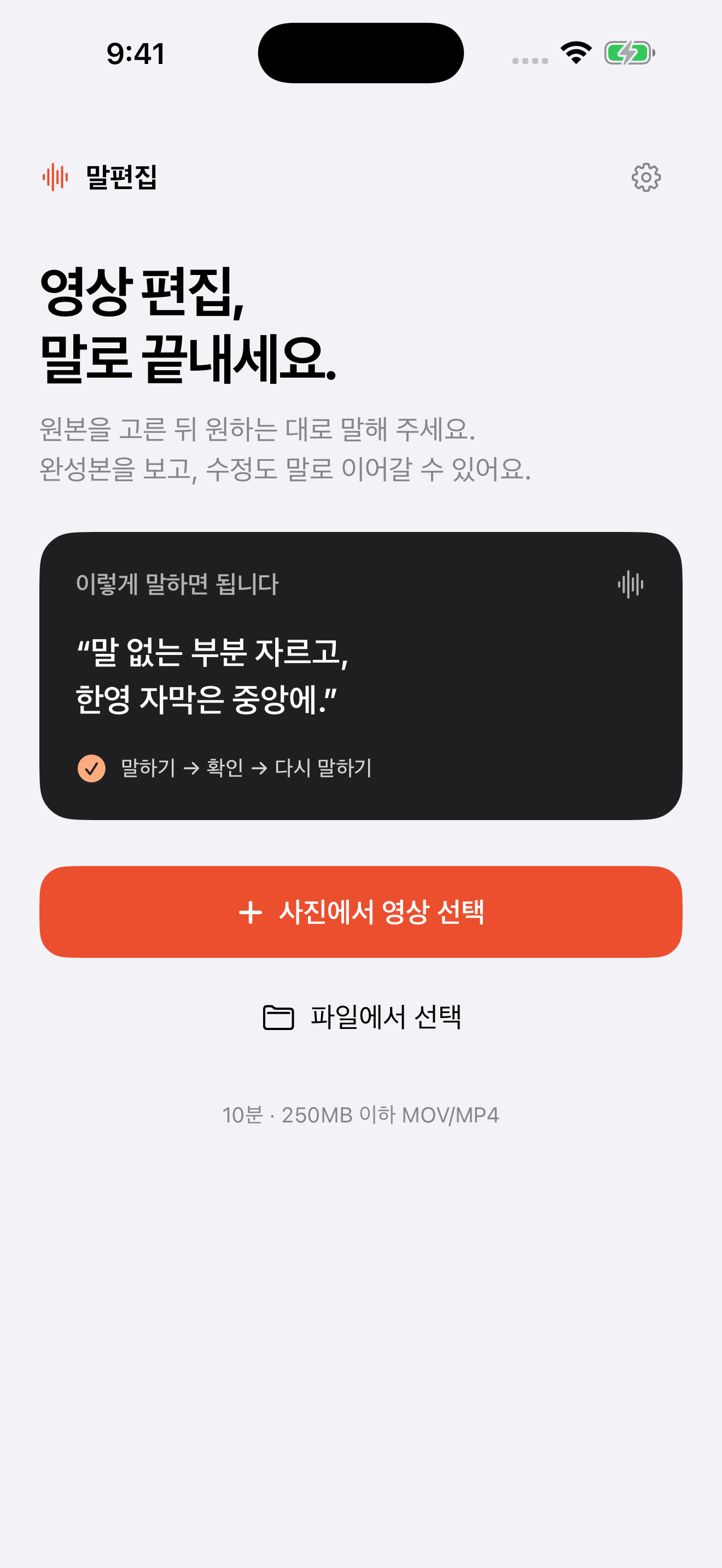
Choose a talking video from Photos or Files. Up to 10 minutes and 250 MB per video.
Request silence removal, a different aspect ratio or a revision. Choose Korean or English voice recognition in Settings, or type a supported text command.
Keep the settings you like while changing the rest. Save the video and thumbnail separately.
“Keep everything else.
Make the captions light purple.”
Voice Edit is being designed to help children and seniors edit everyday videos without learning a complex timeline. Request a change, preview it, and ask for another adjustment. Guardian and privacy safeguards for children, large-text usability and on-device voice input still require prelaunch validation.
Ask to cut silent parts and the editor detects quiet sections to remove. You can also trim the beginning or end. Review the result to keep any breathing room or intentional pauses you want.
Request vertical, square or original proportions, then export an MP4. The original image is preserved with padding where needed. You can save a separate JPG thumbnail too.
We are validating automatic transcription and translation for equal-size Korean and English subtitles. The implementation includes caption order, position, color and specific text corrections. AI processing and an internet connection are required.
The app is designed around requests such as “trim the first two seconds” and “make it vertical.” It supports a defined set of edits. Preview the result and request changes before saving.
The current app interface is in Korean. Settings includes a choice of Korean or English speech recognition, and supported text commands can be entered in either language. Voice input on physical devices is undergoing prelaunch validation.
Automatic captions, translation and flexible natural-language interpretation require online AI processing. Supported silence-removal and aspect-ratio commands can be interpreted using rules. Video rendering still takes place on a server, so the app requires an internet connection.
Not yet. Voice recognition, AI captions and translation, purchases and the public server connection are undergoing prelaunch validation. This page will link to the App Store and show pricing when the release is confirmed.
Only videos you select are uploaded to the editing server after consent. Project files are kept for seven days after the last upload or edit, and can be deleted in the app. Read the privacy notice and English summary for details about AI processing and retention.
For questions, email emotionography@my-emo.com or visit support (Korean, with an English contact section).